News
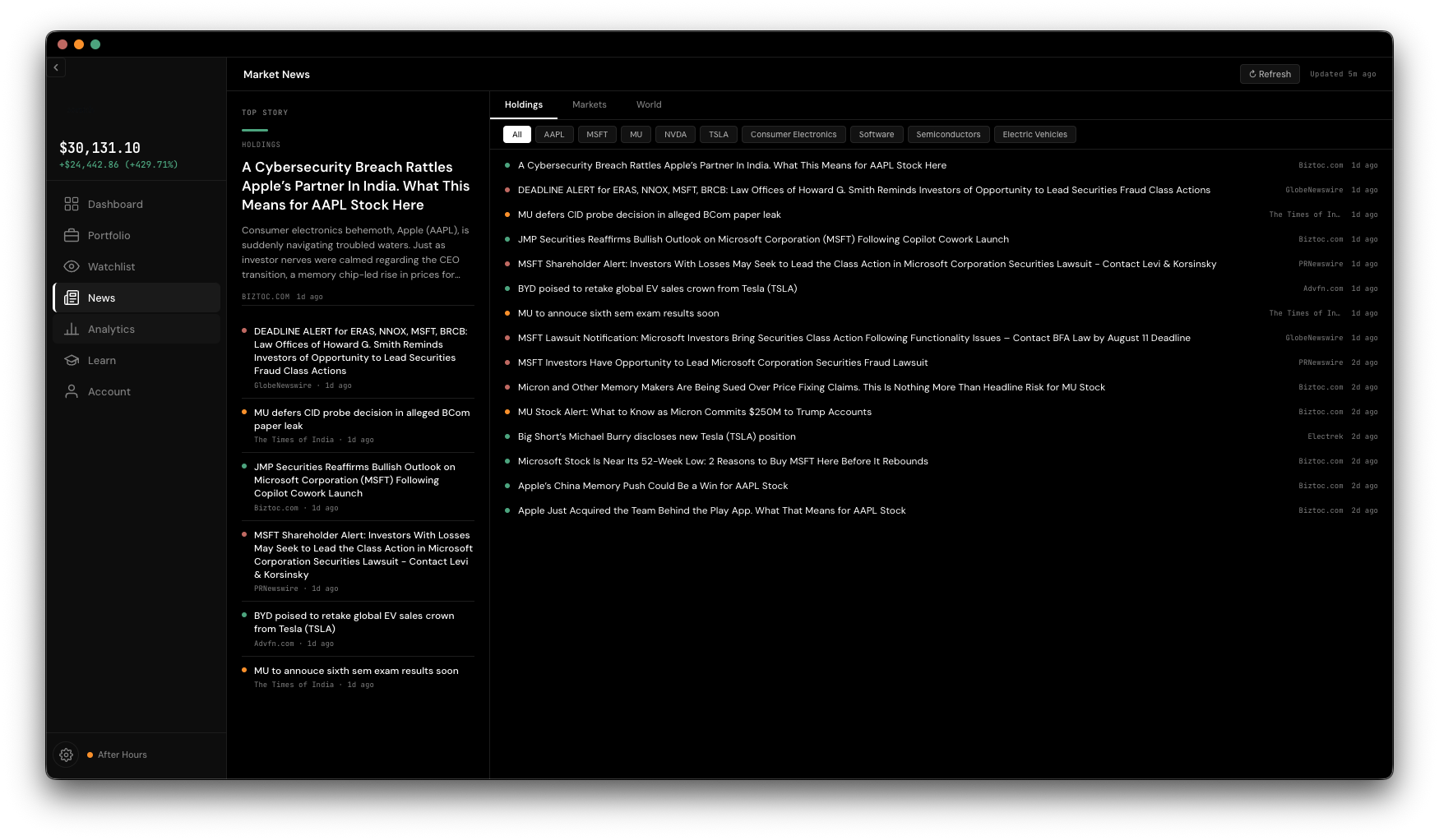
The News tab pulls together coverage for what you own, watch, or just want to browse — split into three feeds so you're never digging through unrelated noise.
A "top story" panel on the left highlights the most prominent article; the rest scroll in a list on the right, with duplicate stories filtered out. Headlines are lightly color-coded by tone so you can scan for anything unusually positive or negative at a glance.
News needs a free API key from newsapi.org, entered in Settings. Paste it in once and it's masked afterward — no need to re-enter it. The free tier covers 100 requests a day, which is enough for regular use.
Articles are cached, with a "last fetched" badge so you know how current what you're looking at is. Hit the ↻ Refresh button anytime to force a fresh pull.