Investment School
The Learn tab is a self-contained course, built right into Soritch — lessons, quizzes, flashcards, and paper-trading simulations, plus a builder if you ever want to write your own.
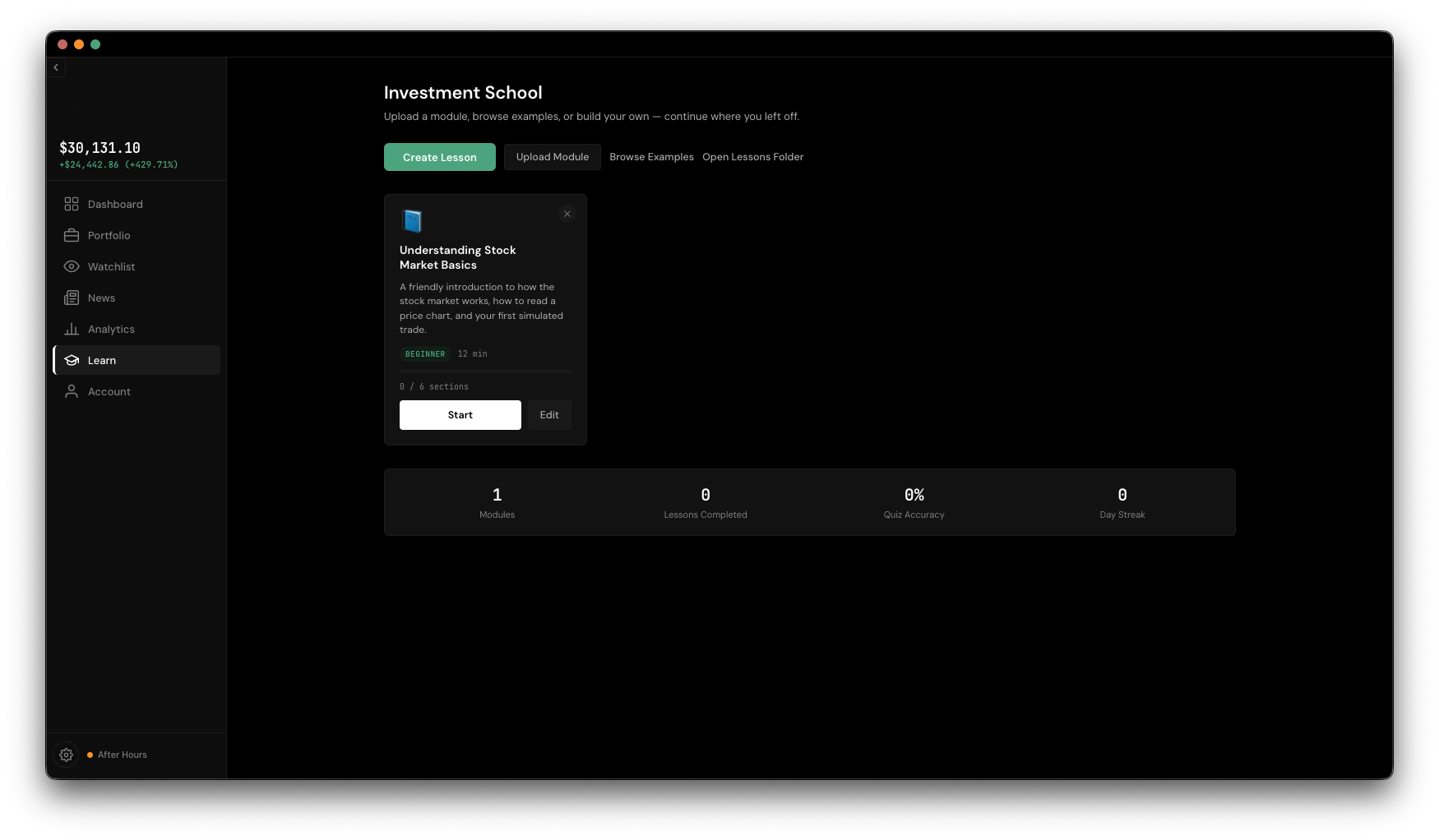
The Learn hub shows a card for every module you have installed — title, description, a difficulty badge, an estimated time, and a progress bar. Click one to open it.
Opening a module launches the player: a sidebar lists every section with a status icon showing done, active, or not yet started, and the main pane shows whatever's active. You'll run into five kinds of sections along the way:
Sections generally unlock in order, but the sidebar lets you jump back to anything you've already visited.
The hub tracks four things as you go: modules installed, lessons completed, your quiz accuracy, and a day streak that counts up on consecutive days of activity and resets if you miss one.
Click Create Lesson (or Edit on a card you already have) for a no-code builder: fill in the module's title, description, difficulty, and time estimate, then drag to reorder a list of sections, each editable with a form matching its type. Save Module checks everything's valid before installing it into your library, and Export saves a draft to a file without installing it, if you just want to share it.